
Short-Term Rental Platforms and Accessibility: What Each One Offers
Different booking platforms handle accessibility filters differently. Here's how to navigate each one to surface the most relevant options for your needs.
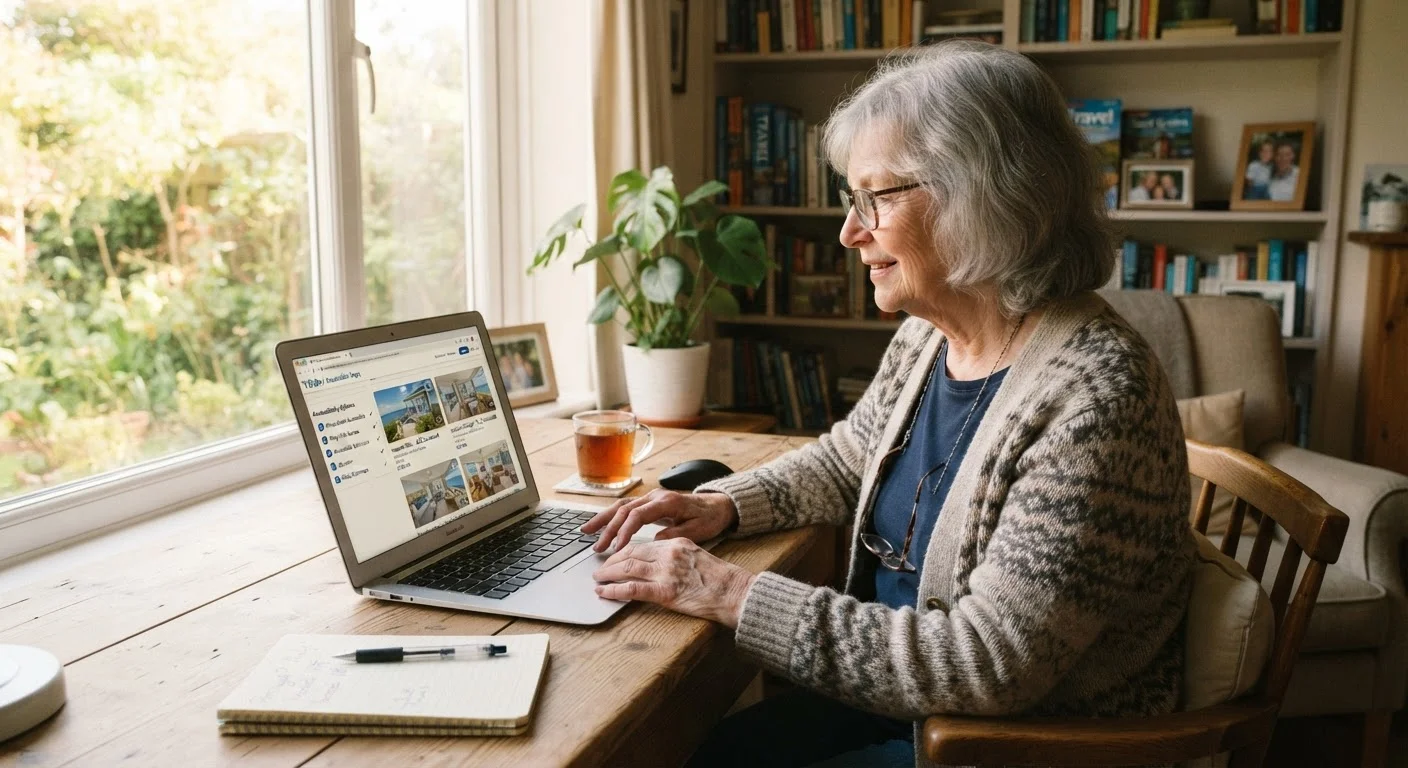
Photo: MyUrbanEscapes.net | Small Escapes. Big Experiences. editorial
—— In This Article
Key Takeaways
- Accessibility filters vary significantly across booking platforms — knowing each system helps you search more efficiently.
- Some platforms use detailed, host-verified checklists; others rely on broad, self-reported categories.
- Filtering alone is rarely enough — direct communication with hosts remains an essential step.
- Platform-specific search strategies can surface more relevant accessible listings in fewer steps.
- Always confirm accessibility details directly before booking, regardless of how a platform labels a property.
Why Platform Differences Matter for Accessibility
When searching for a vacation rental that fits your mobility or accessibility needs, the platform you choose can shape your entire experience — even before you contact a host. Each major booking site handles accessibility information differently: some use detailed, feature-level checklists; others rely on broad category tags that individual hosts self-select with minimal guidance.
Understanding these structural differences helps you spend less time guessing and more time identifying properties that genuinely meet your needs. For a broader orientation to the search process, see our complete starting point for seniors finding vacation rentals. This article focuses specifically on how to navigate each platform's accessibility tools.
| Itemized Checklist Platforms | Broad-Tag Platforms | Managed/Hotel-Style Platforms | |
|---|---|---|---|
| Accessibility filter detail | Feature-level (grab bars, doorway width, etc.) | Single tag or broad category | Varies; often room-category based |
| Host-submitted vs. verified | Host-submitted, not independently verified | Host-selected, minimal guidance | Staff can confirm details directly |
| Photo usefulness | Often supplemented by detailed descriptions | Photos are primary accessibility evidence | Professional photos, may show room specs |
| Direct host contact | Recommended to clarify specifics | Essential — filters provide little detail | Contact property team before booking |
| Best search strategy | Layer multiple filters, read all notes | Use filter + reviews + photos together | Request accessible room category directly |
How Platforms Differ in Accessibility Filtering
The most meaningful distinction across platforms is whether accessibility features are entered by hosts using a structured checklist or selected from a short list of broad tags. Platforms using itemized checklists — covering features like step-free entry, roll-in shower availability, grab bar placement, and doorway width — give you far more to work with than those offering a single "accessible" checkbox.
A second important variable is verification. Most platforms do not independently verify host-submitted accessibility claims. This means a listing marked "wheelchair accessible" may have been self-assessed by a host with limited knowledge of accessibility standards. The label describes intent more than a measurable standard.
Accessibility Labels Are Self-Reported
On most rental platforms, hosts self-select accessibility features without independent verification. A property described as "accessible" may not meet your specific needs — particularly if you use a wheelchair, walker, or rely on bathroom grab bars. Treat platform labels as a starting point for inquiry, not a confirmed guarantee. Always ask the host directly about the specific features that matter most to you.
For deeper guidance on how different platforms display this information structurally, the article on how platforms handle accessibility listings covers the fine print in detail. You may also want to compare how short-term rentals stack up overall in our piece on short-term rentals versus senior-focused accommodation.
Practical Search Strategies by Platform Type
Once you understand a platform's approach, you can adapt your search strategy accordingly.
- For platforms with detailed accessibility filters: Use every relevant filter before browsing results. Narrow by step-free entry first, then layer on additional features. Read the full listing description carefully — hosts who complete detailed checklists often add explanatory notes about item specifics.
- For platforms with broad or minimal filters: Use the general accessibility filter as a starting point only. Focus your attention on the listing's photo gallery (looking for bathroom grab bars, entry steps, and shower configuration) and read all host reviews, filtering for mentions of mobility, walking, or ease of access.
- For platforms featuring managed or hotel-style properties: Contact the property management team directly before booking. Managed properties often have staff who can answer specific questions and may offer accessible room categories not visible in the standard search interface.
Regardless of platform, direct messaging with the host or manager is always worth doing. Our article on the accessibility questions worth asking every rental host provides a ready-to-use list of what to confirm before you commit.
Save Time With a Standard Message Template
Write a short, reusable message listing your two or three most important accessibility requirements — such as step-free entry, a roll-in or walk-in shower, or a ground-floor bedroom. Paste this into the host messaging system for every property you're seriously considering. Hosts who respond promptly and specifically are usually more reliable sources of accurate property information.
What to Do When Filters Fall Short
Platform search tools are useful starting points, not definitive answers. If a property looks promising but its accessibility information is thin, several approaches can help you assess it more accurately.
First, examine the photo gallery methodically. Look at entry areas, bathrooms, and bedroom layouts. Note whether flooring appears to be smooth or has rugs, and whether furniture arrangements allow clear pathways. Second, read guest reviews — search for words like "stairs," "shower," "walker," or "ramp" to see whether previous guests mentioned relevant conditions. Third, send the host a brief, specific message before booking, asking only the two or three questions most critical to your needs.
For platform fee structures, cancellation policies, and guest protections — factors that matter if your plans change — see our overview of how vacation rental platforms differ. Balancing accessibility with cost is also a consideration; our Finding Rentals hub links to resources on affordable senior-friendly options.
This article provides general informational guidance only. Accessibility standards and platform features may change; always verify current options directly with the platform and confirm property details with the host before booking.

Vacation Rentals Editorial Team
Vacation Rentals Editorial Team is the collective byline for our editorial team and contributor network. Articles published under this byline or an editorial pen name are researched, written, and reviewed according to our editorial standards for clarity, consistency, and independence before publication.
View author profile