
Reading Rental Photos Like an Accessibility Detective
Listing photos contain clues about step counts, bathroom layouts, and furniture density. Learn to spot what matters and what's being hidden.
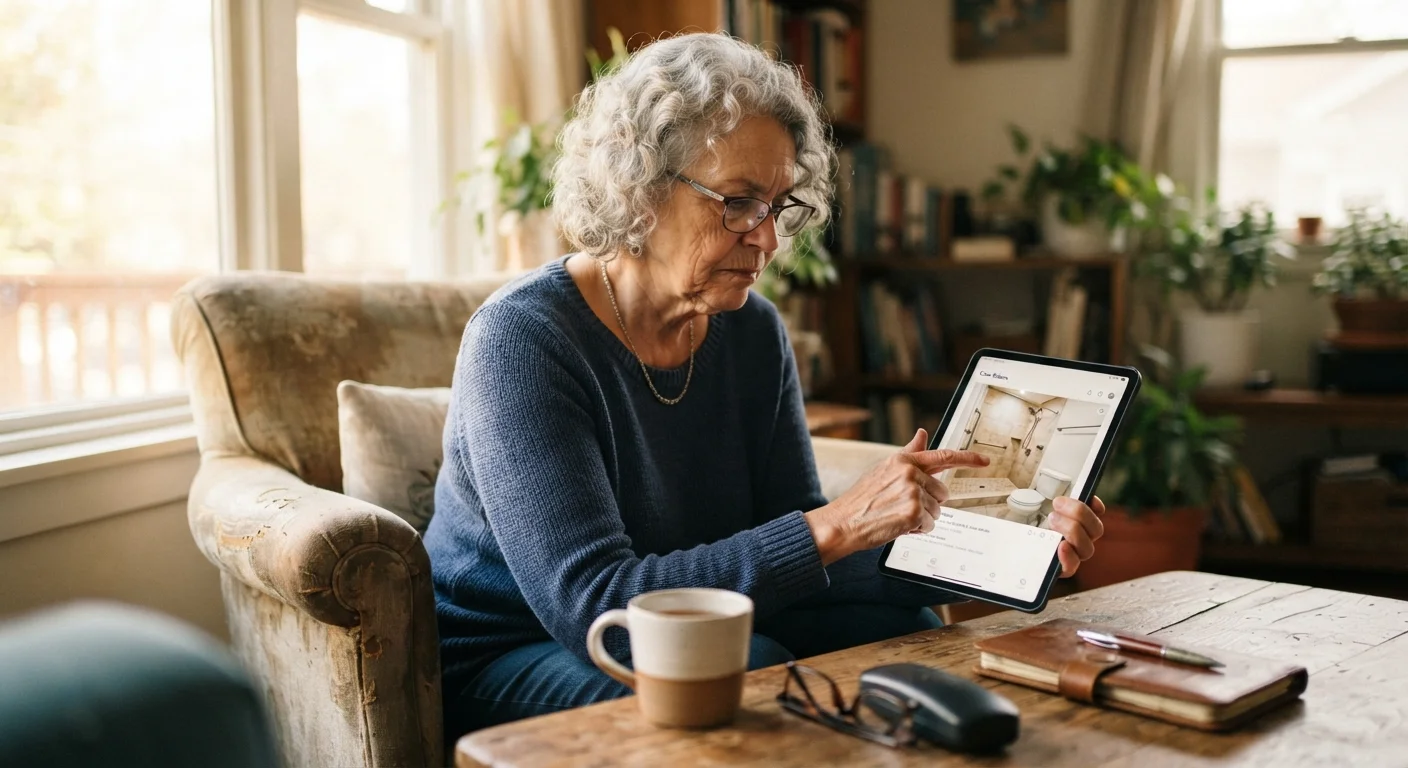
Photo: MyUrbanEscapes.net | Small Escapes. Big Experiences. editorial
—— In This Article
Key Takeaways
- Wide-angle photography can make narrow doorways and tight spaces appear more spacious than they actually are.
- Bathroom photos are the most critical images to examine for grab bars, step-in showers, and turning space.
- Missing photos of specific areas — such as the entrance or bathroom — are a meaningful red flag.
- Furniture density in living areas directly affects navigation ease for walkers, canes, or wheelchairs.
- Shadows, cropped frames, and low angles are common techniques that obscure steps and level changes.
Why Listing Photos Require Active Interpretation
Rental listing photos are marketing tools, not architectural surveys. They are shot by photographers hired to make a space look appealing — which means wide-angle lenses, strategic framing, and selective lighting are standard practice. For most travelers, this is a minor issue. For seniors evaluating a property through an accessibility lens, it can lead to expensive surprises on arrival.
The goal of reading photos like an accessibility detective is not cynicism — it is structured observation. You are looking for what the photos do show, what they don't show, and what the framing choices suggest about the space. That combination of present evidence and notable absence is where the most useful information lives.
Before you begin, gather your tools and note your specific needs.
What you will need
Tablet or laptop with zoom function
Allows you to enlarge listing photos and examine fine details such as threshold heights, grab bar presence, and floor surface types.
Personal accessibility checklist
A written list of your must-have features helps you evaluate each photo systematically rather than relying on memory.
Screenshot or save tool
Capturing specific photos lets you compare details across multiple listings side by side.
For broader guidance on navigating listing search before you even reach the photo stage, our article on searching for senior-friendly rentals without getting lost in the listings provides a useful starting point.
A Step-by-Step Photo Review Process
Work through the listing photos in a deliberate sequence rather than scrolling casually. The steps below move from the outside of the property inward, mirroring how you would actually move through the space on arrival.
Start with the exterior and entry sequence
Before looking at any interior photo, locate every image that shows the path from the parking area or street to the front door. Count visible steps. Look for handrails. Note whether the path is paved, gravel, or grass — each surface has different implications for walkers and canes.
If the listing shows only the front of the building without a clear view of the entry steps or ramp, treat that as a gap to investigate. Listings that claim "no steps" can still have level changes at thresholds or between parking and the door. Our article on why "no steps" listings don't always mean what you think explains this common source of confusion in detail.
Examine doorway widths using reference objects
In photos showing doorways — especially between the living area, bedroom, and bathroom — look for visual cues about width. A standard interior door in a US home is roughly 32–36 inches wide. If doorways appear significantly narrower than that relative to standard-sized furniture in the same frame, flag it.
Pay particular attention to the bathroom doorway. This is frequently the most restrictive point in a rental for anyone using a rollator, walker, or wheelchair. A door that appears spacious from the front can still swing inward and reduce usable clearance substantially.
Scrutinize every bathroom photo
Bathrooms are the highest-risk room for falls and the most commonly misrepresented space in listing photos. Look for: grab bars beside the toilet and inside the shower or tub; a roll-in or step-free shower versus a tub-only option; a handheld showerhead; and floor space that suggests a turning radius of at least 60 inches for wheelchair users.
If no grab bars are visible, note it. Their absence is meaningful. If only one bathroom photo exists and it's taken from the doorway showing little detail, that is itself a signal worth addressing with the host. For a full breakdown of what to look for, see our guide on accessibility features every senior should look for in a vacation rental.
Assess furniture density and floor plan flow
In living room, bedroom, and kitchen photos, count the number of pieces of furniture and estimate the clearance between them. Dense arrangements — coffee tables flanked by sofas and accent chairs — may create obstacle courses for anyone who doesn't walk with a completely steady gait.
Look at whether the path from the bed to the bathroom appears clear and direct. If a photo shows the bed positioned against the far wall with multiple pieces of furniture between it and the door, ask the host whether the layout is fixed or can be adjusted during your stay.
Identify what's deliberately not shown
A well-photographed rental typically includes images of: every bedroom, the primary bathroom, the kitchen, the living area, the entry, any outdoor space, and any staircase. If any of those categories is missing — particularly the bathroom or entry — ask the host to provide photos before you book.
The absence of staircase photos in a multi-level property is especially significant. Some listings describe bedroom access without acknowledging that reaching it requires a steep or narrow stair. Pair this check with insights from our article on reading a rental listing when mobility is a factor for a complete picture.
Use a Reference Object to Estimate Scale
Standard interior doors are typically 80 inches tall and 32–36 inches wide in US homes. If a doorway in a photo appears noticeably narrower than the door behind it, that's worth flagging. A standard sofa or full-size bed visible in frame can also help you estimate room proportions and turning radius.
Beware the 'Staged for Photography' Look
Rental photos are often taken after furniture is rearranged to maximize visual appeal. The cleared pathways and uncluttered floors in photos may not reflect how the space actually looks during your stay. Ask the host whether furniture placements in photos are permanent or staged.
Photos Are Not a Substitute for Confirmation
Even a thorough photo review cannot guarantee a property meets your mobility needs. Always follow up with the host directly using specific, measurable questions before booking. For a ready-made list of what to ask, see our guide on questions worth asking a rental host before you book.
After completing your photo review, cross-reference your findings with guest reviews. Patterns in written feedback often confirm or challenge what the photos suggest. Our guide on reading rental reviews critically rather than just counting stars explains how to extract the most useful signals from guest comments.

Vacation Rentals Editorial Team
Vacation Rentals Editorial Team is the collective byline for our editorial team and contributor network. Articles published under this byline or an editorial pen name are researched, written, and reviewed according to our editorial standards for clarity, consistency, and independence before publication.
View author profile